Loading...
Make an Image Square Without Cropping
Fit your photo into a square with a blurred, solid or transparent background. Keep the whole image at 100% zoom, or choose a centered Crop to fill the frame. Choose 1080, 1200 or a custom square size. No account needed.
Your image stays in your browser. Website analytics and the referral widget make network requests. Privacy details.
More Free Image Tools
Crop, convert, compress & resize - all in your browser.
Resize Images for Every Platform
Choose a platform, then a size for your post, profile or banner.
Convert Between Image Formats
Switch formats for photos, transparent artwork or website icons.
Keep the whole photo or crop the edges


Make Any Photo Square in Seconds
A square image has equal width and height, such as 1080 × 1080 pixels, with a 1:1 aspect ratio. To turn a portrait or landscape photo into a square without cutting off the subject, select Blur, Solid or Transparent and keep Zoom at 100%. These modes fit the photo inside a square canvas. Crop fills the square by trimming the edges. Use the preview to choose which result suits your photo. Calculate square padding and crop loss before choosing an output size.
1
Upload Your Image
Select any image from your device. SquarePic supports JPEG, PNG, WebP, and more. Files up to 20 MB.
2
Choose Your Style
Blur, Solid and Transparent fit the whole image at 100% zoom. Crop fills the square with a centered crop. Choose a square size and check the preview.
3
Download & Share
Export your square image as PNG, JPEG, or WebP. Ready to upload to Instagram, LinkedIn, Facebook, or any platform.
Ways to make a square image
- Blur: Uses a blurred copy of your photo to fill the background around the fitted image.
- Solid Fill: Adds a solid color background. Choose from preset colors or pick any custom color. Best for product photos and clean branding.
- Transparent: Adds transparent padding for logos and artwork. The checkerboard shows empty space and is not part of the exported PNG.
- Crop: Fills the square with a centered crop. Check the preview because subjects near an edge can be cut off.
Best Uses for Square Images
- Instagram feed posts: Use the 1080 × 1080 square preset. Review Instagram's separate grid preview before publishing.
- Profile pictures: Keep faces and logos near the center so they also fit a circular avatar preview.
- LinkedIn & Facebook posts: Use a square canvas for consistent framing, and check the destination's preview before publishing.
- Product photos: Use the same square canvas and padding across a catalog for consistent image framing.
- Website thumbnails & favicons: Square thumbnails create tidy grid layouts, and favicons and app icons must be perfectly square.
- Quote graphics & branded content: One square format keeps your entire feed or grid looking cohesive.
Square Photos and Other Image Shapes
| Editor preset | Width × height | Aspect ratio | Shape |
|---|---|---|---|
| Instagram square post | 1080 × 1080 | 1:1 | Square |
| LinkedIn square post | 1200 × 1200 | 1:1 | Square |
| Instagram portrait post | 1080 × 1350 | 4:5 | Portrait |
| Stories / Reels | 1080 × 1920 | 9:16 | Vertical |
| YouTube thumbnail | 1280 × 720 | 16:9 | Landscape |
Why Make Images Square?
A 1:1 canvas is useful for avatars, square posts, and product grids. A portrait or landscape photo can fit inside it with added background, keeping its proportions. Other placements use different shapes, so choose a platform preset when you need a banner or vertical Story. Calculate your image's aspect ratio before changing its dimensions.
Square Image Best Practices
- Center your main subject — square cropping removes edges, not the middle.
- Use high resolution source images (at least 1080x1080) for sharp results.
- Match the blur background color to your brand palette for consistent social media aesthetics.
- Add padding to prevent important content from touching the edges.
- Preview your square image at actual size before posting to check readability.
- Use the same square format across all profile pictures for brand consistency.
- Check how your square image reads at thumbnail size — most posts are first seen small in a feed.
- SquarePic also resizes, crops, compresses, and converts images — use the platform presets to prep any photo in seconds.
Private & Secure — No Uploads
SquarePic processes every image locally in your browser using HTML5 Canvas. Your photos never leave your device. Image files stay on your device. Website analytics and the referral widget make network requests; see the privacy policy for details.
Product photo
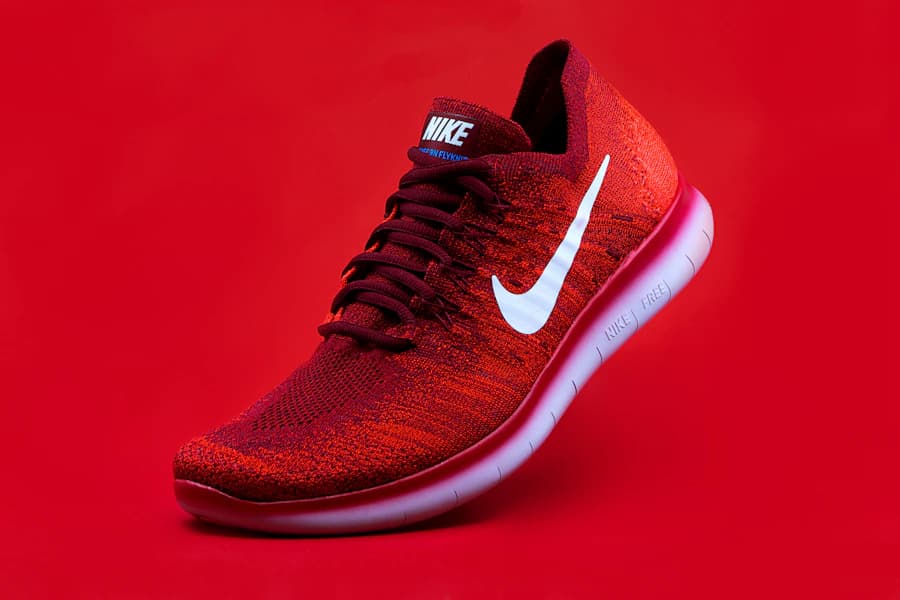
Original: 900 × 600
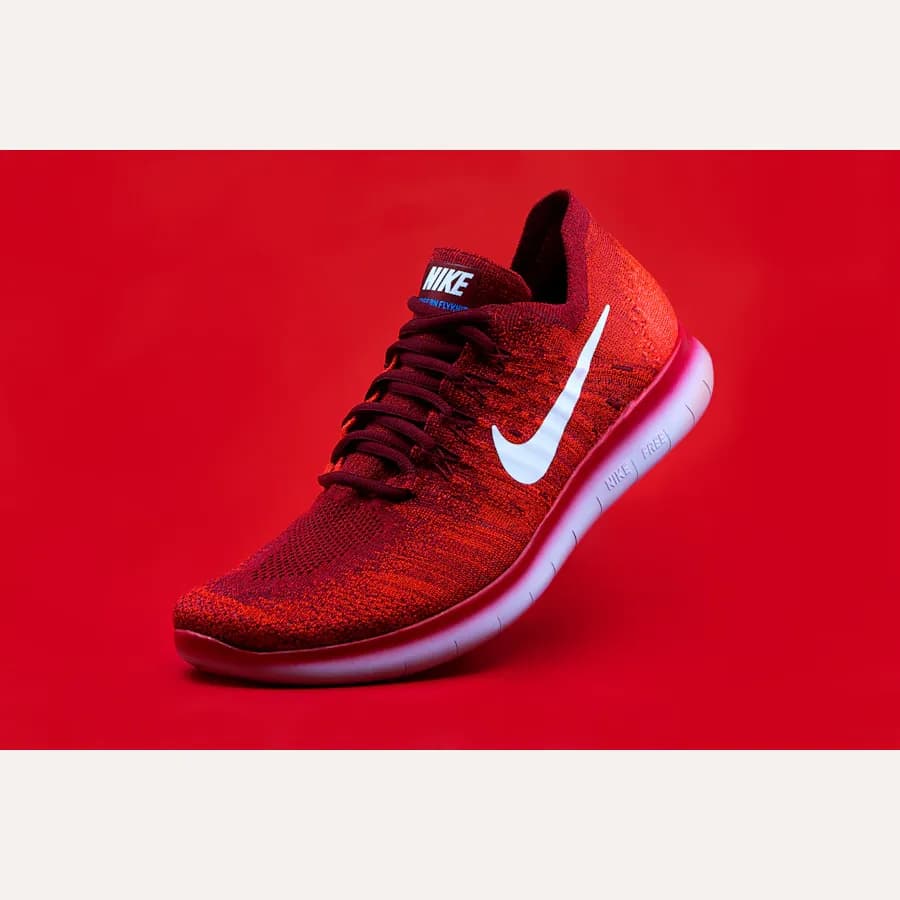
Solid fit: 900 × 900
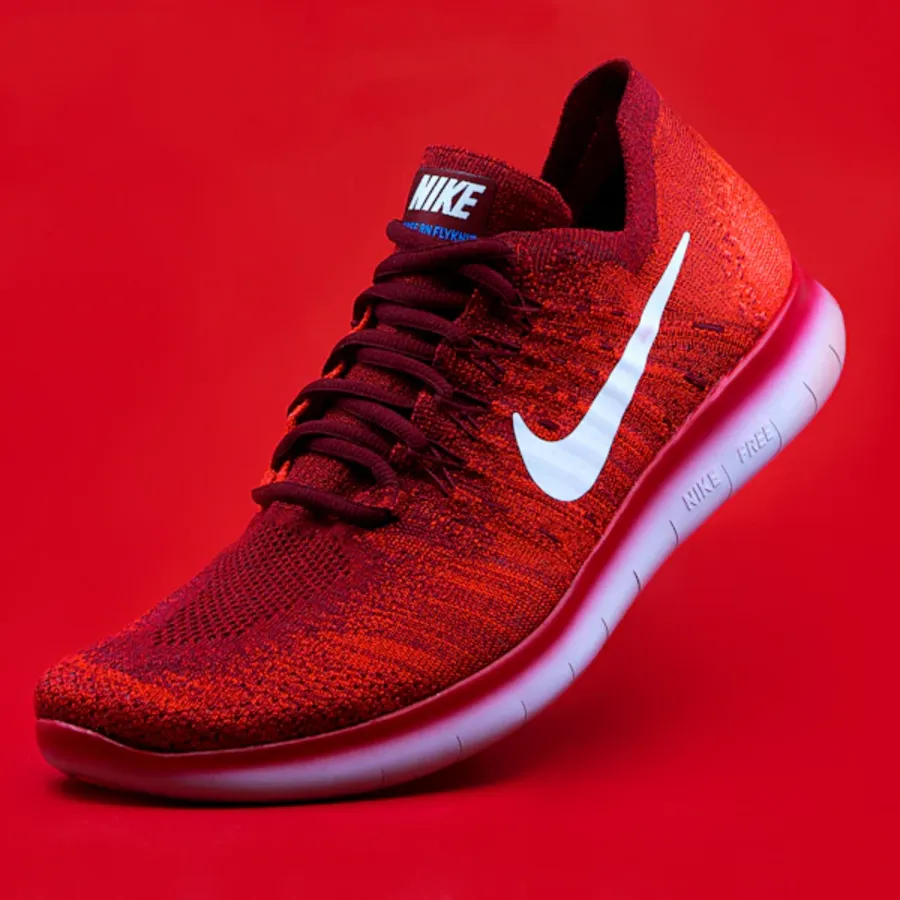
Centered crop: 900 × 900
Photo by Ryan Waring on Unsplash.
Questions about making a photo square
How do I make a picture square without cropping?
Select Blur, Solid or Transparent, leave Zoom at 100%, and choose a square size. Padding fills the empty space around your photo. Increasing Zoom can move its edges outside the canvas.
Will a square photo look stretched?
SquarePic preserves the original proportions. Padding adds space; cropping removes edges. Neither method needs to stretch the photo to make its width and height equal.
Should I export PNG or JPEG?
Use JPEG for photos when file size matters. Use PNG for text, logos, and lossless output. A lossless export does not recover detail missing from the source image.
How do I make a square logo with a transparent background?
Choose Transparent. SquarePic fits your logo inside the square and selects PNG to preserve transparent padding and any transparency in the source. It does not remove a background already present in the source image.
What size will my square image be?
Choose 1080 × 1080, 1200 × 1200 or enter a custom square edge from 1 to 4096 pixels and select Apply. Original size uses the source's longest side, up to 4096 pixels. Larger canvases are reduced proportionally with a limit notice. The editor shows the actual export dimensions. Animated inputs become one still frame, and source metadata is not copied.
See the worked examples in our guide to making an image square without cropping.
Last updated: October 8, 2026