Free Online Photo Resizer
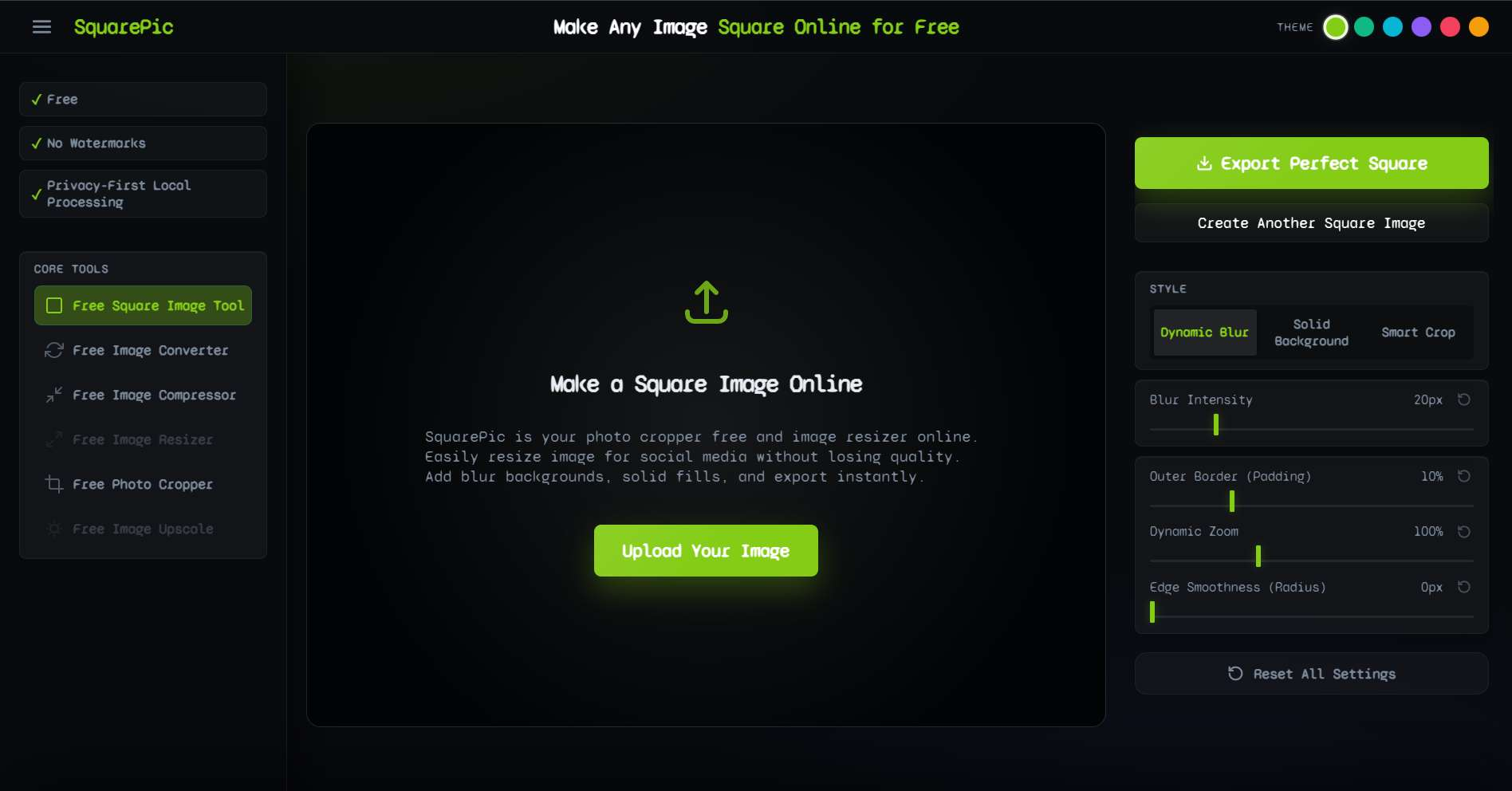
The fastest and easiest way to resize, pad, and format photos online. Works flawlessly on mobile and desktop without any downloads, signups, or annoying watermarks.
✦ How It Works
Editing photos should not feel like an obstacle course. Resize your images instantly using our three-step workflow.
Step 1
Upload your JPG, PNG, or WEBP photo directly from your desktop folder or mobile camera roll.
Step 2
Choose your new aspect ratio and let our smart padding tool extend the canvas perfectly.
Step 3
Click download to save the fully formatted, watermark-free photo back to your device instantly.
✦ Universal Photo Dimensions
Navigating different platform requirements can be a headache. Whether you are uploading a profile picture or a wide banner, our tool handles all standard aspect ratios.
| Use Case Format | Target Aspect Ratio | Common Resolution |
|---|---|---|
| Square Feed Post / Avatar | 1:1 | 1080 x 1080 px |
| Portrait Social Post | 4:5 | 1080 x 1350 px |
| Smartphone Story / Reels | 9:16 | 1080 x 1920 px |
| Widescreen Video Thumbnail | 16:9 | 1920 x 1080 px |
| Standard Landscape Photo | 3:2 | 1200 x 800 px |
You do not need to memorize these numbers. Simply select the ratio you need in the editor, and SquarePic does the math for you.
✦ Why Use Our Free Photo Resizer?
The internet is full of complex design tools and shady apps. Here is why millions of people trust our straightforward utility for their daily photo formatting needs.
- Truly Free. No Gimmicks. We do not hit you with a paywall right before you click download. The resizing features, blur effects, and high-quality exports are fully available to every user at absolutely zero cost.
- No Annoying Watermarks Your memories and your professional assets deserve to be clean. We never brand your exported images with a logo, ensuring your photos look exactly as they should.
- Browser-Based Privacy Because the entire application runs in HTML5 Canvas on your own device, your photos are never uploaded to a cloud server. Your private images remain private.
- Fastest Workflow Possible You shouldn't have to create a user account just to change a photo's dimensions. By eliminating signups and logins, we have created the most frictionless photo editing experience on the web.
✦ A Tool for Every Situation
Who relies on a fast, free online photo resizer?
Social Media Enthusiasts
Don't let the algorithm chop off your best friends in a group photo. Easily pad your wide images into a square or 4:5 portrait before uploading to ensure the full context makes it to your feed.
Students and Hobbyists
Formatting images for school presentations, blogs, or community newsletters requires speed. Our tool provides an instant, reliable way to standardize the sizes of various photos without needing technical design skills.
Everyday Web Users
Sometimes you just need to make a photo fit a certain frame—whether it is an online forum avatar, a dating profile picture, or an email signature. SquarePic is the ultimate swiss-army knife for quick visual fixes.
✦ Desktop Apps vs. SquarePic
Why use an online tool when you could use built-in computer software?
- Desktop Software: Confusing interfaces, heavy load times, and steep learning curves just to change an aspect ratio.
- SquarePic: Purpose-built for one job. Load the page, click two buttons, and you have your perfectly padded photo. Lightweight and lightning fast.
✦ Frequently Asked Questions
Is this photo resizer really free?
Yes. Our photo resizer is completely free to use. There are no hidden trial periods, no subscription tiers, and no paywalls limiting your exports.
Do I need to download an app?
No downloads are required. The resizer is a web-based application that functions perfectly inside Safari, Chrome, Edge, and other modern browsers.
Will it add a watermark to my photo?
Never. We believe your photos belong to you, which is why SquarePic provides a 100% watermark-free export for every single user.
How do I resize a photo without losing quality?
By using our padding technology instead of destructive pixel stretching, you can format your photos to new aspect ratios while retaining the crisp, high-resolution clarity of the original file.
Can I use this on my mobile phone?
Absolutely. The interface is optimized for touch screens, making it incredibly easy to resize photos directly from your iPhone or Android device.
✦ Explore Related Tools
Looking for a more specific solution? Check out our dedicated formatting pages.
Resize Your Photo Now
The fastest, easiest, and most private way to format your images. Upload your photo and get started in seconds.
Start Free