Resize Image Without Losing Quality
Do not let bad compression ruin your hard work. Change aspect ratios and format your photos for any platform while preserving crystal-clear resolution. Completely free, right in your browser.
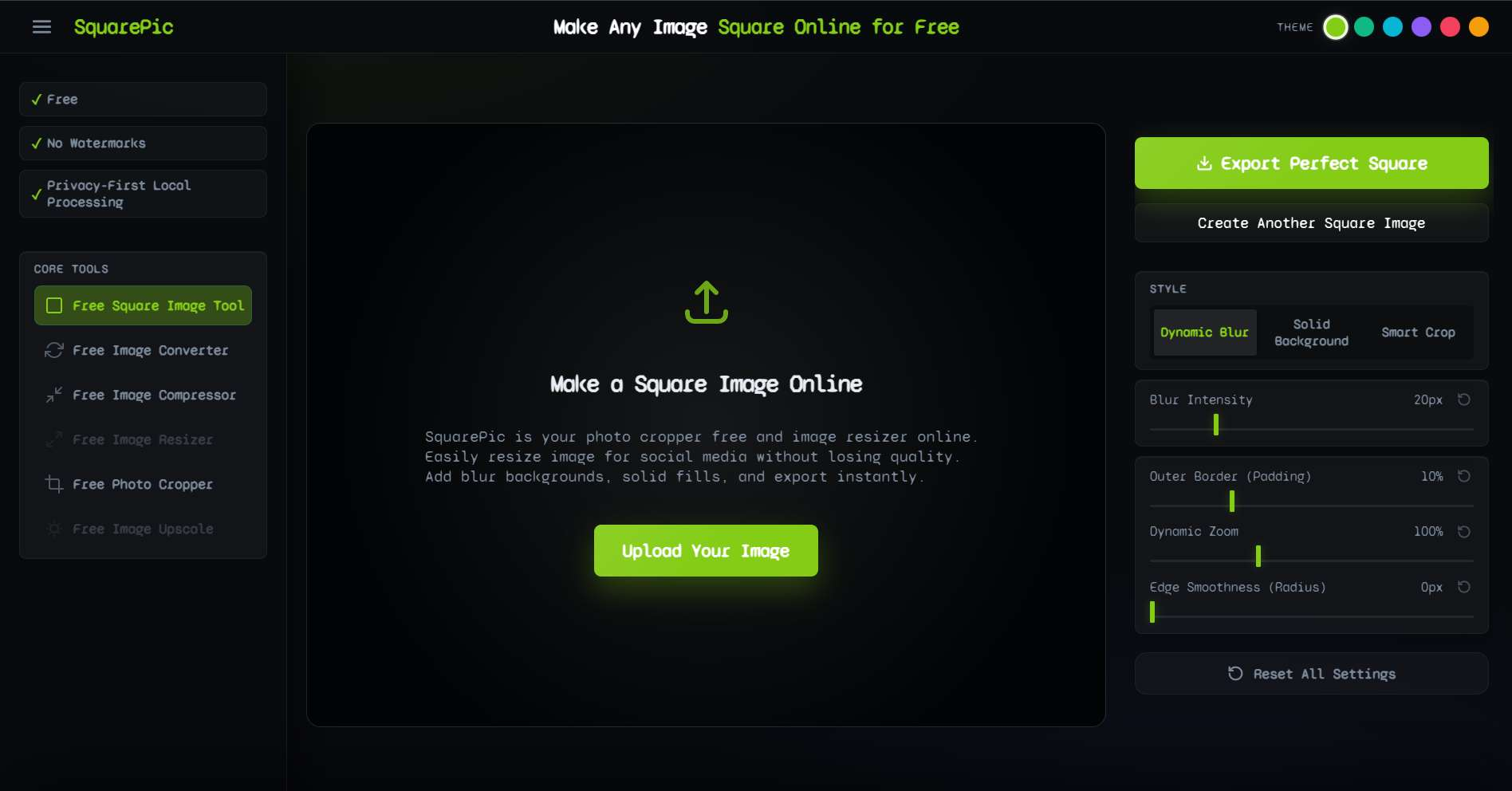
✦ How It Works
Preserving image quality shouldn't require an engineering degree. Our tool handles the complex rendering behind the scenes so you can focus on the result.
Step 1
Select your high-resolution original file to upload securely to your local browser session.
Step 2
Adjust the target aspect ratio. The system intelligently pads the image instead of stretching pixels.
Step 3
Export immediately. The final file is generated dynamically, ensuring zero compression artifacting.
✦ Optimal Export Dimensions
To avoid blurriness caused by social media algorithms, you need to upload images at the platform's native maximum resolution. Here are the target sizes to aim for when preserving quality.
| Platform / Format | Target Aspect Ratio | Maximum Recommended Size |
|---|---|---|
| Instagram High-Res Square | 1:1 | 1080 x 1080 px |
| Instagram High-Res Portrait | 4:5 | 1080 x 1350 px |
| YouTube 4K Thumbnail | 16:9 | 2560 x 1440 px |
| Twitter (X) Image Feed | 16:9 | 1200 x 675 px |
| LinkedIn Article Image | 16:9 | 1200 x 644 px |
| Website Hero Banner | 16:9 | 1920 x 1080 px |
Our tool natively scales the padded background to match your source image's resolution, guaranteeing that you hit these high-quality targets effortlessly.
✦ Why Are Other Tools Blurry?
Most online image editors are hosted on remote servers. To save on bandwidth and computing costs, they compress your files the moment you upload them, and then compress them again when you download. SquarePic is fundamentally different.
- Browser-Based Processing We leverage modern HTML5 Canvas technology to perform all resizing operations directly on your machine. Your image never travels over the internet, meaning we never need to compress it to save server space.
- Non-Destructive Padding If you try to stretch a square photo into a rectangle, it will pixelate and blur. We solve this by keeping your original image exactly as it is, and simply adding a matching blurred border to fill the extra space. Your core subject remains perfectly sharp.
- No Premium Paywalls Many "free" tools let you edit, but charge you $5 a month to download the "High Definition" version. With SquarePic, the highest possible quality is always free and unlocked for everyone.
- Instant Rendering Speed Because we don't upload or download massive files, the rendering is virtually instant. You get premium desktop-software speeds directly in your web browser.
- 100% Watermark Free A high-quality image is instantly ruined by a cheap watermark. We respect your work and ensure every download is completely clean.
✦ Who Needs High-Quality Resizing?
When clarity is non-negotiable, professionals turn to our tool. Here is who benefits the most from lossless formatting:
Photographers and Agencies
You invest thousands of dollars in lenses and cameras to capture razor-sharp details. When sending previews to clients or posting to portfolio sites, you cannot afford compression artifacts. Our tool safely frames your high-res photos for presentation without degrading the pixels.
Print-on-Demand Sellers
If you sell merchandise on Etsy or Redbubble, your product mockup images must be incredibly crisp so buyers can see the design details. Using SquarePic ensures your promotional images meet the platform's dimension requirements while staying perfectly clear.
Web Designers and Developers
A blurry hero image makes a whole website look unprofessional. Designers use our tool to quickly pad and frame graphics to fit 16:9 or 1:1 containers while maintaining the crispness required for Retina and 4K displays.
✦ SquarePic vs. Cloud Editors
Understanding the architecture behind a tool explains why the results look so different.
- Cloud Editors (Canva, etc.): You upload a 5MB image. It is compressed to 1MB for their server. You resize it, and they compress it again on download. Result: Noticeable blur and artifacting.
- SquarePic: The 5MB image stays on your device. The browser canvas pads it seamlessly. You download the exact same uncompressed data. Result: Flawless, pixel-perfect quality.
✦ Frequently Asked Questions
How can I resize an image without making it blurry?
To avoid blurriness, use a tool like SquarePic that processes the image locally. Instead of artificially stretching pixels, we pad the canvas, which preserves 100% of the original resolution of your subject.
Does this tool compress my files?
No. Unlike other online tools that heavily compress images to save server space, SquarePic processes everything on your device, ensuring maximum quality retention during export.
Is it completely free to use?
Yes. The high-quality export feature is available to all users for free. There are no paywalls for high-resolution downloads.
What image formats are supported?
We support standard high-quality formats including JPG, PNG, and modern web formats like WEBP. You can upload any of these and expect crisp results.
Will it add a watermark if I download in high quality?
No. SquarePic never adds watermarks to your images, regardless of the resolution or aspect ratio you choose to export.
✦ Explore Related Tools
Put your high-quality images to use with our platform-specific formatting tools.
Resize Without Compromise
Protect your image quality. Upload your photo now to safely reformat it without dealing with ugly compression or blur.
Start Free