Instagram Photo Resizer
Stop letting Instagram crop out the best parts of your photos. Use our free Instagram photo resizer to fit full landscape and vertical pictures into the feed perfectly. Add aesthetic blur borders instantly.
✦ How It Works
You shouldn't have to fight with complex editing software just to make a post. Our tool makes Instagram formatting effortless in three easy steps.
Step 1
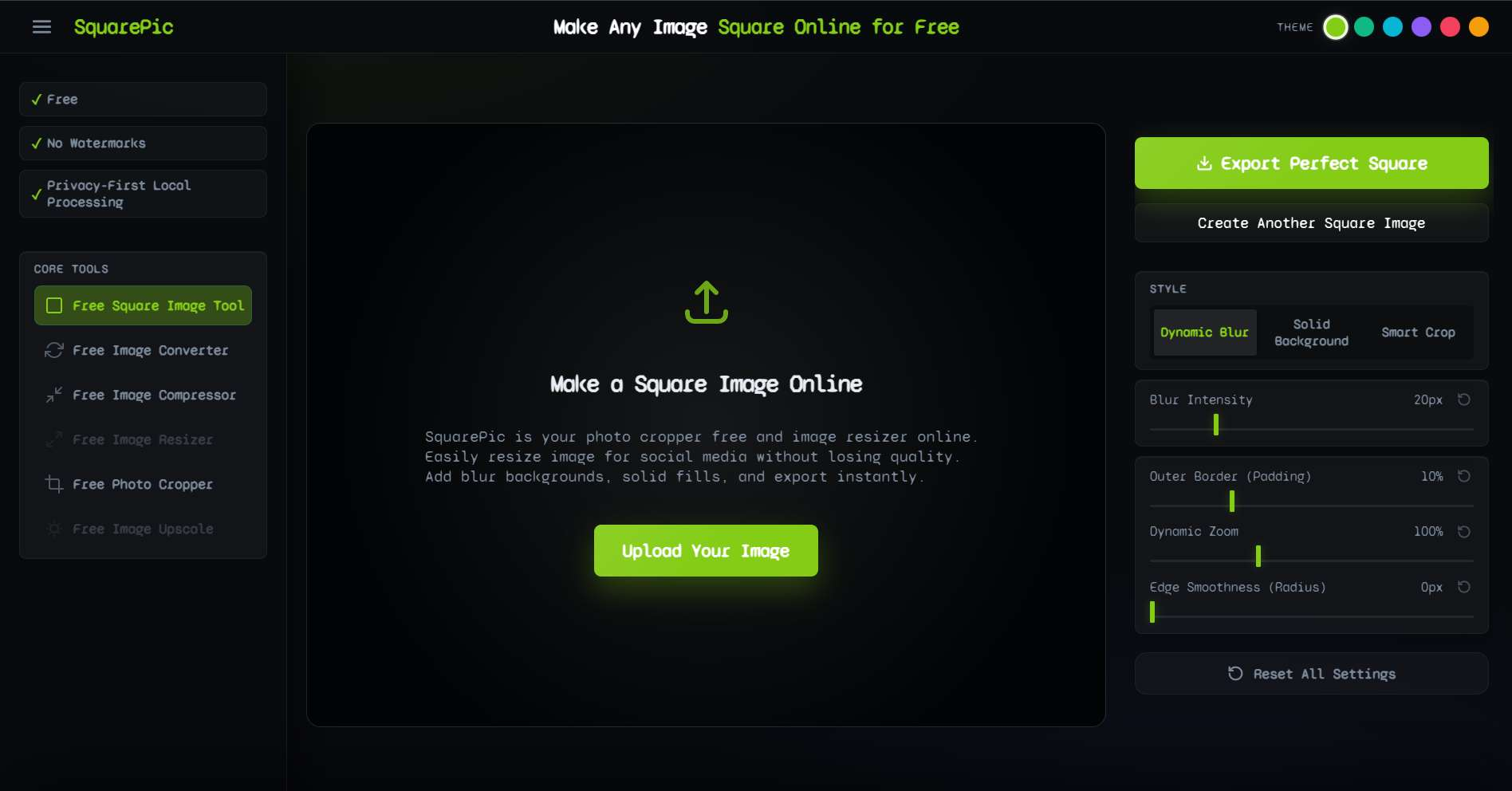
Upload your uncropped landscape or portrait photo to our secure browser tool.
Step 2
Select the 1:1 or 4:5 ratio and choose between a blurred background or a solid color.
Step 3
Download the final image instantly and publish it directly to your Instagram feed.
✦ Exact Instagram Image Sizes
Instagram is notorious for changing its optimal aspect ratios and compressing images that do not fit their exact specifications. Using our resizer guarantees your photos match these standard dimensions, resulting in sharper uploads and better engagement.
| Post Format | Aspect Ratio | Optimal Resolution |
|---|---|---|
| Classic Square Post | 1:1 | 1080 x 1080 px |
| Vertical Portrait Post | 4:5 | 1080 x 1350 px |
| Landscape Post | 1.91:1 | 1080 x 566 px |
| Instagram Story | 9:16 | 1080 x 1920 px |
| Reels Cover Photo | 9:16 | 1080 x 1920 px |
| Profile Picture (PFP) | 1:1 | 320 x 320 px |
Regardless of what device you shot your picture on, our tool automatically calculates the necessary padding to meet these exact pixel requirements.
✦ The Best Way to Format for Instagram
Why do millions of users rely on dedicated resizing tools instead of just using the built-in Instagram cropping feature? Because the default tools force you to lose content. SquarePic provides a superior alternative.
- Never Crop Again Whether it is the top of a beautiful building in a vertical shot or the group of friends on the edges of a horizontal group photo, you no longer have to sacrifice important parts of your image just to satisfy an algorithm.
- Aesthetic Grid Maintenance Curating a beautiful Instagram grid requires consistency. By adding white borders or seamless blur backgrounds to photos of varying orientations, you create a cohesive, professional-looking gallery that attracts followers.
- No App Installation Required Your phone storage is precious. You don't need another bulky photo editing app taking up gigabytes of space. SquarePic runs entirely in your mobile browser, offering app-like speed without the download.
- Zero Watermarks We do not ruin your aesthetic with our logo. Your downloaded photos are 100% clean and ready for your feed.
- High-Resolution Export Instagram already compresses your photos during upload. We ensure your starting file is exported at the highest possible quality to combat algorithmic compression.
✦ Who Uses Our Instagram Resizer?
The need to bypass Instagram's restrictive cropping is universal. Here is how different users maximize our tool:
Photographers and Artists
You meticulously compose your shots. Letting an app arbitrarily chop off 20% of your masterpiece is unacceptable. Photographers use the blur padding feature to preserve their original composition while still fitting the 4:5 portrait ratio that maximizes screen real estate.
Influencers and Content Creators
Consistency is key to branding. Influencers use our tool to batch-process their weekly content, adding clean, consistent white borders that tie a visually diverse set of photos together into one stunning, recognizable grid pattern.
Small Businesses and Brands
When running Instagram ads or promotional posts, product visibility is paramount. If a product photo is shot horizontally, cropping it into a square might cut off the logo or important details. Our resizer pads the image, keeping the product front and center.
✦ SquarePic vs. Native Instagram Crop
If you upload a tall 16:9 vertical photo directly to the Instagram app, it forces you to crop it down to 4:5, cutting off a massive portion of the top or bottom.
- The Native App: Forces destructive cropping. You lose the context of the photo.
- SquarePic: Employs constructive padding. We add complementary background space (like a dynamic blur that matches the photo's colors) to extend the image canvas to the required size, preserving 100% of your original photo.
- Result: Better engagement, happier followers, and no headless group photos.
✦ Frequently Asked Questions
How do I fit a full picture on Instagram?
You can fit a full picture on Instagram by using an image resizer like SquarePic. It adds padding to your landscape or portrait photo so it forms a perfect 1:1 square or 4:5 portrait, preventing Instagram from forcing a crop.
What is the best aspect ratio for Instagram?
For the main feed, the 4:5 portrait ratio (1080 x 1350 px) is best because it takes up the maximum amount of screen space on mobile. For the profile grid, a 1:1 square ratio is standard. For Stories and Reels, use 9:16.
Is this Instagram resizer free to use?
Yes, it is completely free. There are no hidden charges, and you do not need to create an account or provide payment information to use the tool.
Will this tool add a watermark to my Instagram photos?
No. SquarePic is a watermark-free tool. We will never brand your images. Your content belongs to you.
Does it work on iPhones and Androids?
Absolutely. You do not need to download a dedicated app. The tool works directly within your mobile browser, allowing you to resize and post instantly from your phone.
✦ Explore Related Tools
Looking to optimize images for other platforms? Check out our specialized tools.
Resize Your Instagram Photo Now
Stop ruining your photos with bad crops. Upload your image now and create the perfect Instagram post in seconds.
Start Free