Website Banner Resizer
Format high-res photos for web design without losing quality. Instantly resize hero images, blog headers, and marketing banners to perfection right in your browser.
✦ How It Works
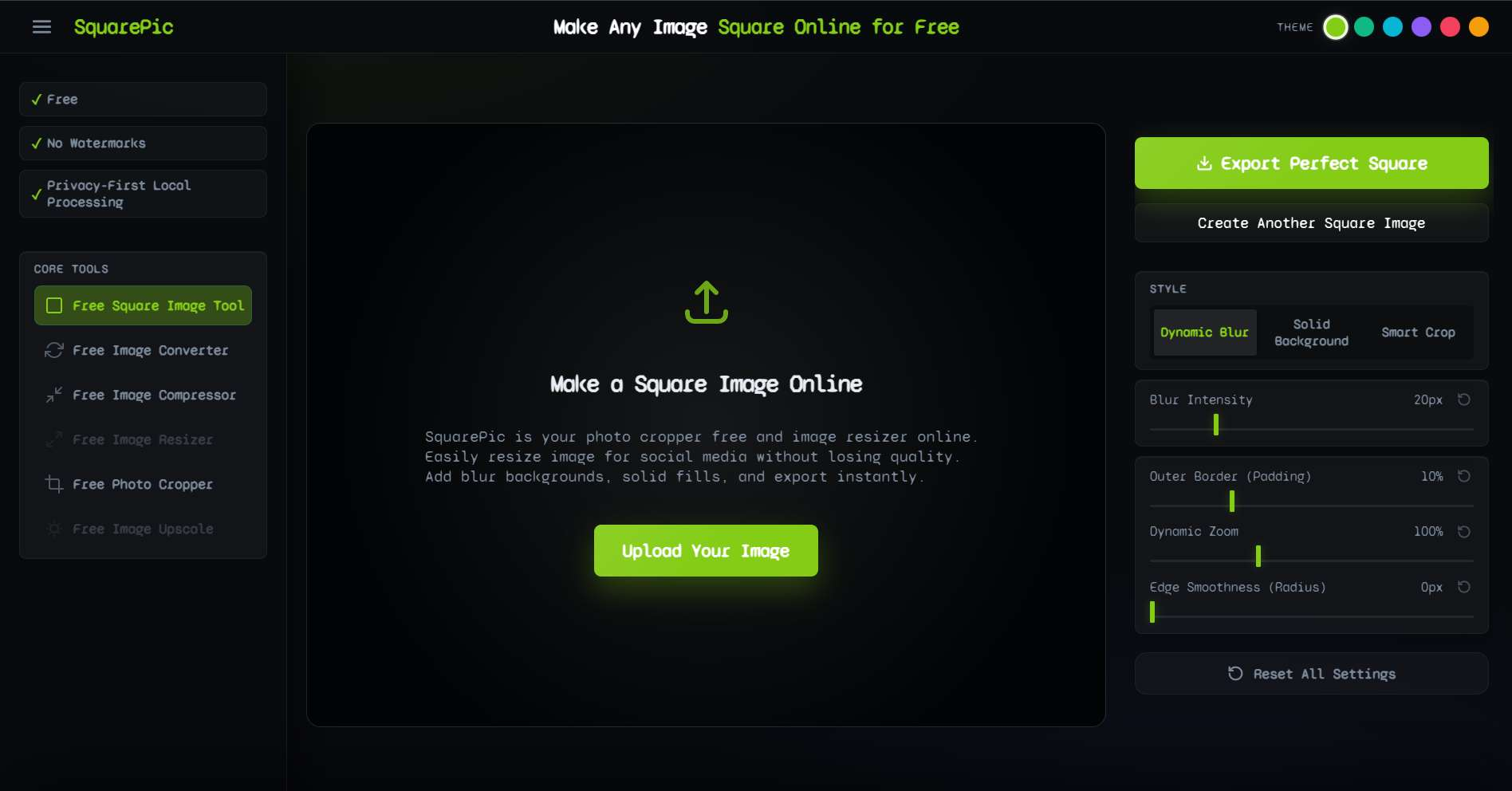
You do not need to boot up Photoshop just to change an aspect ratio. Prepare your web assets in three simple steps.
Step 1
Upload your high-resolution photograph or graphic design asset.
Step 2
Select a wide aspect ratio (like 16:9) to automatically pad your image into a beautiful, wide banner format.
Step 3
Download the final uncompressed file and upload it directly to your CMS or website builder.
✦ Standard Web Design Dimensions
Responsive web design requires images to be properly formatted so they scale correctly across mobile phones and ultra-wide monitors. Here are the target sizes developers rely on.
| Web Asset Type | Standard Aspect Ratio | Recommended Max Size |
|---|---|---|
| Full-Width Hero Banner | 16:9 | 1920 x 1080 px |
| Blog Post Header | 1.91:1 | 1200 x 630 px |
| eCommerce Sliding Banner | 21:9 or 16:9 | 1920 x 800 px |
| Email Newsletter Header | 16:9 | 600 x 338 px |
| Open Graph / Twitter Card | 1.91:1 | 1200 x 630 px |
By padding your images into a clean 16:9 or custom wide format, you prevent the browser from stretching your graphics out of proportion.
✦ Why Use Our Resizer for Web Assets?
Webmasters and designers need tools that are fast, reliable, and non-destructive. Here is why SquarePic is a staple in the modern web workflow.
- No Blurry Hero Images If you upload a small, squarish image to a wide banner container, your website builder will stretch the pixels, resulting in a blurry, amateurish header. Our tool adds high-quality padding instead, preserving the razor-sharpness of the original file.
- Perfect Brand Matching When creating banners, consistency is key. You can input your website's exact hex color code into our background tool, ensuring the padded areas of your banner blend seamlessly into your website's CSS background color.
- Extremely Fast Execution When you are in the middle of a site build or writing a blog post, you do not want to wait for heavy desktop software to load. SquarePic runs entirely in your browser cache for instant rendering.
- Free and Unrestricted Many design tools charge a premium for exporting high-resolution web assets. We provide full-quality downloads for absolutely zero cost.
✦ Built for Creators and Developers
A properly formatted banner elevates the entire user experience. Here is who relies on our tool:
Bloggers and Content Marketers
Every blog post needs a featured image. If you found the perfect vertical stock photo but your WordPress theme requires a wide 1200x630 header, our tool will instantly pad the vertical photo into a beautiful horizontal banner.
eCommerce Store Owners
Shopify carousel banners need to be uniformly wide. If you have a mixture of product shots in different ratios, you can use SquarePic to standardize them all into perfect 16:9 banners with a matching white background.
Email Marketers
Newsletters look best when headers are perfectly responsive. Marketers use our tool to format promotional graphics into ideal 600px wide banners that render beautifully in Gmail and Outlook without breaking the layout.
✦ CSS Cropping vs. Pre-formatting
Developers often debate whether to format the image or use CSS (`object-fit: cover`) to fix the layout.
- Relying on CSS: The browser guesses what part of the image to show. It often cuts off important text or the subject's face on mobile screens.
- Pre-Formatting with SquarePic: You take full control. By padding the image into the exact banner shape beforehand, you guarantee that 100% of the image is always visible on every device.
✦ Frequently Asked Questions
What size should a website banner be?
For full-width hero banners, the standard recommended size is 1920 x 1080 pixels (16:9 ratio). For blog post headers and smaller banners, 1200 x 630 pixels is widely accepted and optimal for social sharing.
Will resizing make my banner blurry?
No. Our tool preserves the original resolution of your photo by padding the canvas instead of forcefully stretching pixels, guaranteeing your website looks sharp on retina and 4K displays.
Can I use this tool to make a banner from a square photo?
Yes. Upload your square graphic, select a widescreen 16:9 ratio, and choose a solid background color or a dynamic blur. The tool will extend the canvas horizontally to create a perfect banner.
Do I need to download software to resize my web graphics?
No, there is nothing to download. SquarePic operates entirely in your web browser, allowing you to format web assets in seconds without launching heavy desktop applications.
Is this tool completely free?
Yes. Formatting banners, hero images, and web graphics using our tool is 100% free with no watermarks and no hidden paywalls.
✦ Explore Related Tools
Complete your web presence with our other formatting tools.
Format Your Web Banner Now
Ensure your website looks stunning on every device. Upload your image and create the perfect responsive banner instantly.
Start Free